
Send or paste a link
Paste a URL into FixupXer, or use Android’s Share menu from the app where you found it. Review the before-and-after result, then choose an available action such as Copy, Share, or Open. In apps that support Android’s text-selection action, you can select a link and choose Clean link.
- Send or paste the URL. FixupXer processes the text on your device.
- Review the change. Known tracking parameters may be removed while useful page details are kept.
- Choose what happens next. Copy the result, share it, or hand it to another app or browser.
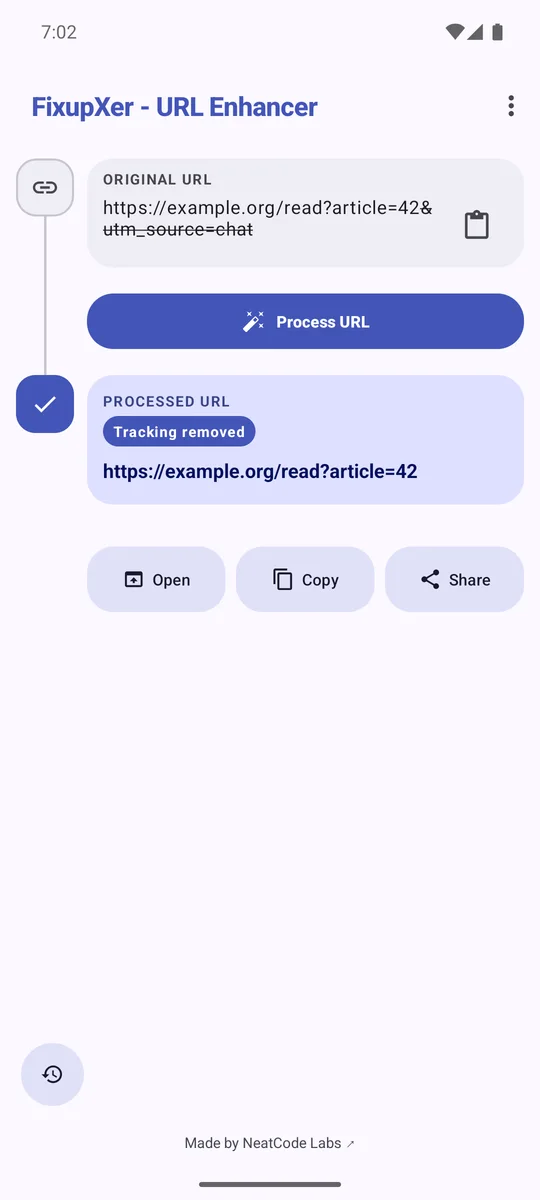
Remove known tracking parameters
FixupXer includes cleaners for many social, shopping, search, publishing, and streaming sites, plus a general cleaner for common tracking keys on other websites. The rules are selective: unknown parameters stay because a site may need them for an article, product, search, or other page behavior. No cleaner can promise to identify every site-specific identifier.
For example, a link like example.org/read?article=42&utm_source=chat can become example.org/read?article=42. The article value remains; the recognized campaign tag is removed.
Choose a reader or preview service
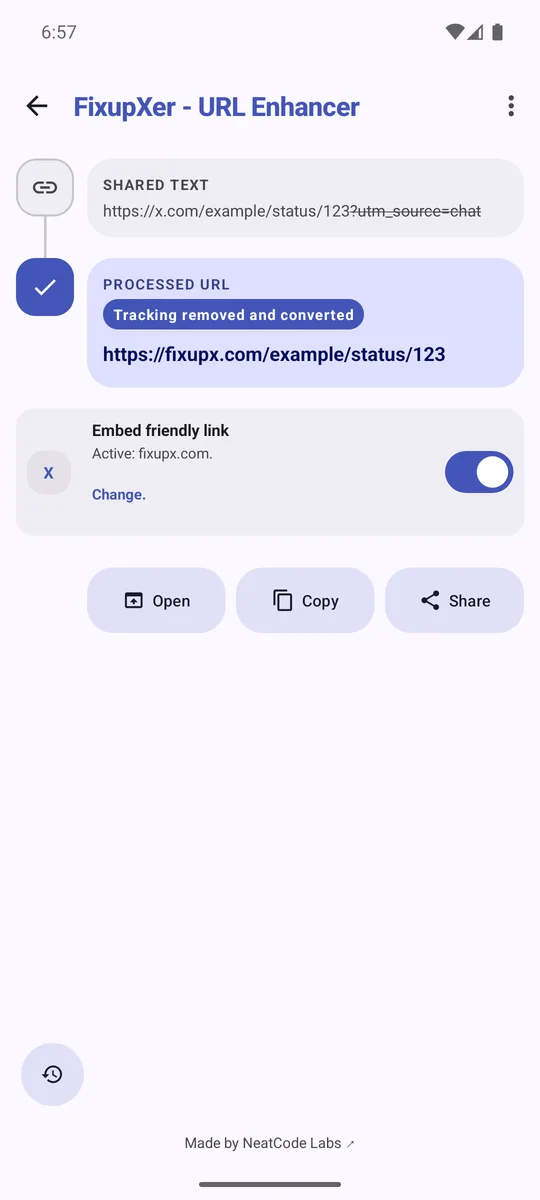
You can clean a URL without changing its host, or choose a supported conversion. FixupXer rewrites the host locally: an embed frontend can help a chat app create a preview, while a reader can display public content. For example, keep an X reader for links opened in Browser Mode and choose an embed frontend when sharing a link. A browser, chat app, or other recipient may contact the independent service when it loads the page or preview.
Check sensitive values and add rules
Private Link Guard checks for a short list of clues, such as an email address or sign-in token, that remain in a URL. It can miss other sensitive data. Custom URL rules let you add site-specific cleanups; they are off until you enable them, and Test Lab previews a rule locally without opening the site.
Optional History stays on the device and can be disabled or cleared. If FixupXer hands a result to a browser, native app, or sharing service, that recipient handles any network access under its own practices.
FixupXer processes URLs locally. This website does not run the Android cleaner or submit URLs for processing.